
Game Mechanics
Red Soul vs Blue Soul Mode
The color change is also a control change. Red mode rewards precise free movement, while blue mode adds gravity and turns movement into a jumping problem. Recognizing the active mode early prevents the most common input mistakes.
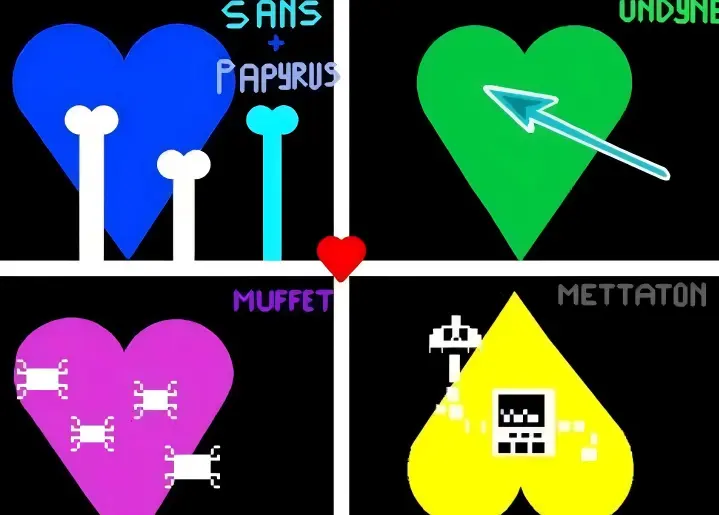
Quick comparison
| Mechanic | Red soul | Blue soul |
|---|---|---|
| Movement | Free movement in four directions | Gravity-based movement with jumping |
| Main risk | Overcorrecting into another hazard | Using the wrong jump height or landing position |
| Best input style | Short directional taps | Measured jump holds plus small horizontal adjustments |
| What to watch | The next open gap | Floor, platforms, and the next obstacle height |
Red soul: free movement
Red soul mode allows direct movement up, down, left, and right inside the battle box. Because every direction is available, the challenge is restraint. Holding a key too long can carry the soul through the safe opening and into the hazard on the other side.
Use taps for fine positioning and keep enough space to change direction. The center is useful when the next attack can arrive from anywhere, but it is not automatically safe. When a bone wall already shows its opening, move toward that opening instead of returning to the middle first.
Blue soul: gravity and jumping
Blue soul mode applies gravity. Instead of moving freely upward, the upward input acts as a jump. A short press creates a lower jump, while a longer hold generally produces more height. Horizontal movement remains important for choosing where you land.
Watch the floor, platform edges, and obstacle height. Low obstacles usually need a short jump; tall bones or a higher platform require a longer hold. Jumping higher than necessary keeps the soul in the air longer and can make the next landing harder to control.
Handling mode transitions
A transition is dangerous because the same key press can have a different result after the color changes. When the soul turns blue, stop expecting free upward movement and immediately identify the gravity direction and landing surface. When it returns to red, release held inputs before making the next correction.
- Confirm the color. Do not assume the previous movement rules are still active.
- Release held keys. Begin the new mode from a neutral input state.
- Find the reference surface. In blue mode, identify the floor or platform before jumping.
- Use one test input. A short tap reveals how the current pattern responds without committing to a large move.
Common mistakes
Trying to fly in blue mode
Holding the upward key does not restore red-mode movement. Treat it as jump height control.
Using maximum jump height every time
Extra height increases airtime and can carry the soul into a later bone or off a useful platform.
Confusing soul color with hazard color
This guide describes the movement state of the heart. Colored attack hazards are a separate mechanic and should be read according to the active game prompt.
Five-minute practice drill
Spend the first two minutes in red mode using only short taps. For the next two minutes, focus on producing three repeatable blue-soul jump heights: short, medium, and high. Use the final minute to practice releasing every key when the soul changes color. The goal is consistency, not completing the whole fight.
Simulator note
Bad Time Simulator is a fan-made Construct 2 clone. Its developer notes that some collision and platform behavior differs from Undertale, so use this guide for the simulator hosted here rather than as a frame-perfect reference for the original game. See the original project repository.